
In a world where digital skills shape the future, learning to code has become as essential as learning a new language. But for many beginners—especially kids—traditional programming can feel overwhelming. Syntax errors, confusing symbols, and abstract logic often create barriers that discourage new learners.
Enter Koddy Block, a visual, intuitive, and playful approach to programming that transforms the way beginners interact with code.
What Is Koddy Block?
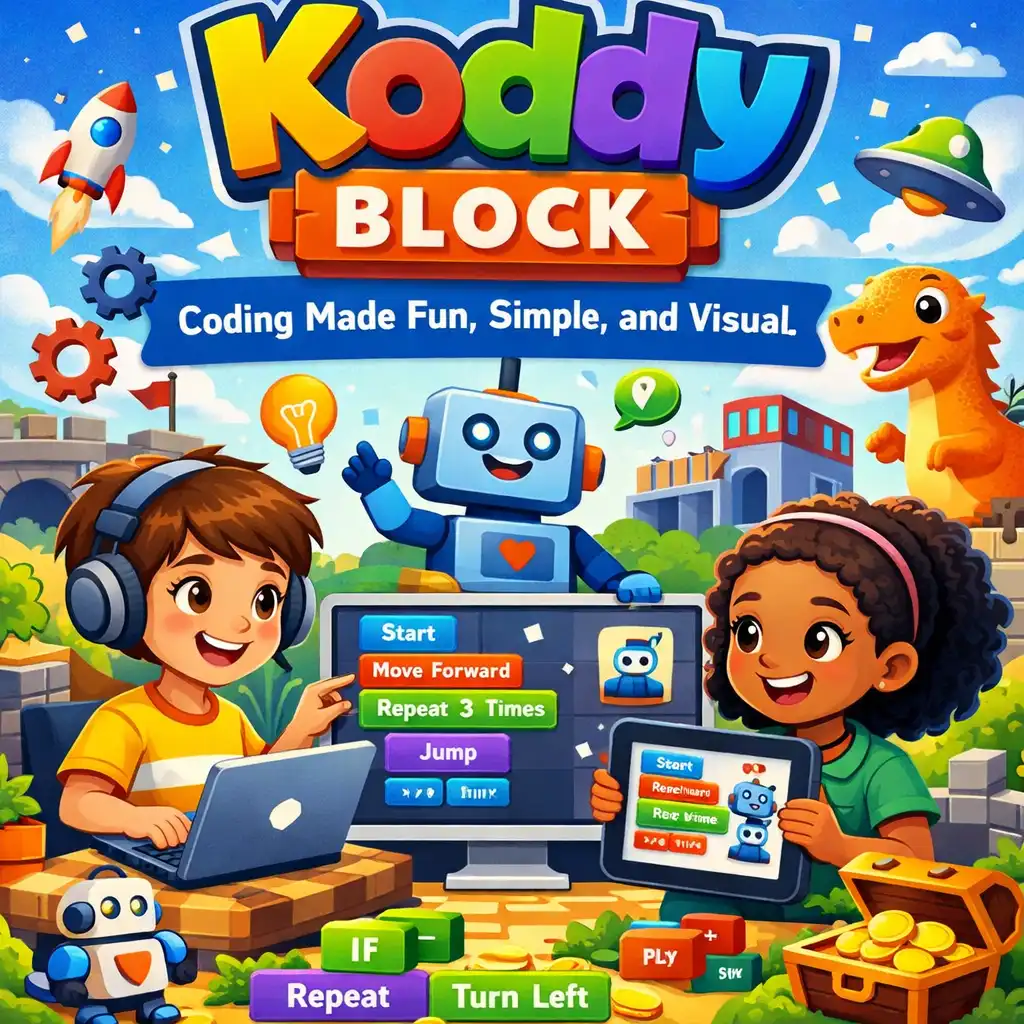
Koddy Block is a block-based coding platform designed to introduce programming concepts through drag-and-drop visual blocks instead of typed text. Each block represents a logical action or command, allowing learners to build programs like assembling a small puzzle.
This simple but powerful method removes the fear of making mistakes and enables users of all ages to explore coding creatively.
Why Koddy Block Stands Out
1. Visual Learning Makes Coding Approachable
Koddy Block eliminates the steep learning curve typically associated with coding syntax. The blocks snap together seamlessly, and users can instantly see how their ideas translate into action. The visual layout makes even complex concepts easier to grasp.
2. Encourages Creativity and Experimentation
Instead of writing lines of code, users construct logic through colors, shapes, and actions. This gamified approach inspires learners to experiment more freely, test ideas, and iterate without the frustration of debugging cryptic errors.
3. Perfect for Kids, Beginners, and Educators Teachers love Koddy Block because it supports visual learning styles and simplifies lesson planning. Kids enjoy it because it feels like playing a game. And beginners appreciate how it gradually builds their understanding of programming logic before transitioning to text-based languages.
4. Bridges the Gap to Real Coding
While Koddy Block focuses on visual programming, it also prepares learners for more advanced languages like Python, JavaScript, and C++. As users become comfortable with logic blocks, they can easily map these concepts to real code structures.
Key Features of Koddy Block
Drag-and-drop block interface Instant visual feedback Built-in tutorials and challenges Real-time animations and simulations Progressive difficulty levels Compatibility with robotics and IoT devices

Comments (0)
No comments yet. Be the first to comment!