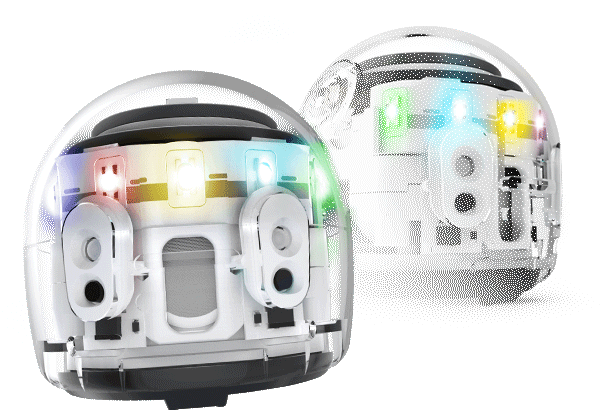
OZOBOT

Ozobot is redefining the role of robotics in education with our award-winning coding robots and STEAM-based learning solutions.

25+ Ed Tech Awards
All Grades & Subjects
Coding With & Without Screens
Standards-Aligned Curriculum

Hands-On Learning

Ozobot STEAM Kits provide hands-on learning experiences that are fun, educational, and standards-aligned for students K-5. Explore our collection and discover the joy of STEAM today!
Discover Our Ozobot Products

Explore cutting-edge robotics for education and fun.

Two Ways to Code

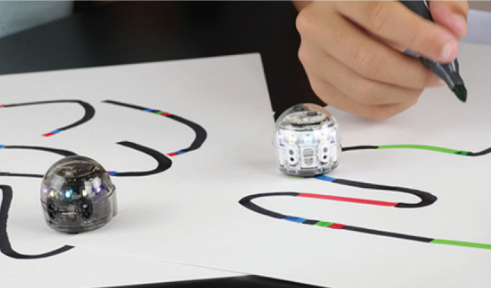
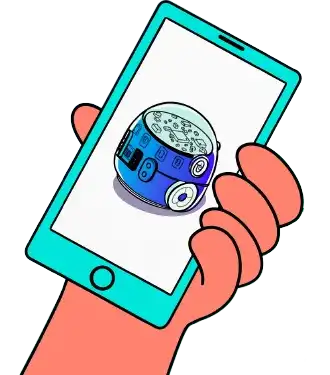
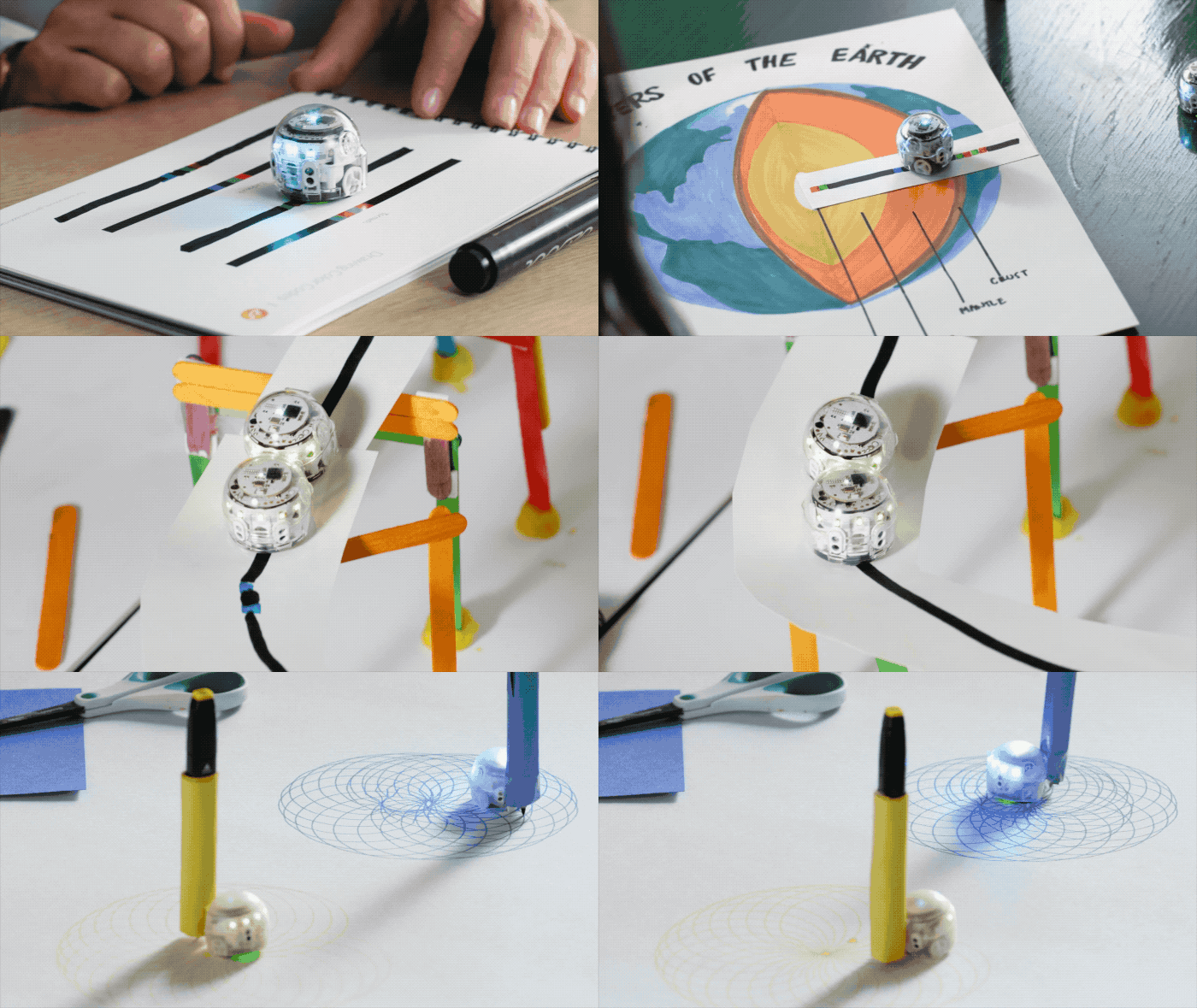
Start coding your Ozobot screen-free using Color Codes. Then advance to block-based programming with Ozobot Blockly. For ages 5++


With and Without Screens

On-screen with Ozobat Blockly or screen-free with color codes.

Color Codes

Screen-free coding with markers and sensors

Ozobot Blockly

Visual programming platform

How it Works: Patented Tech

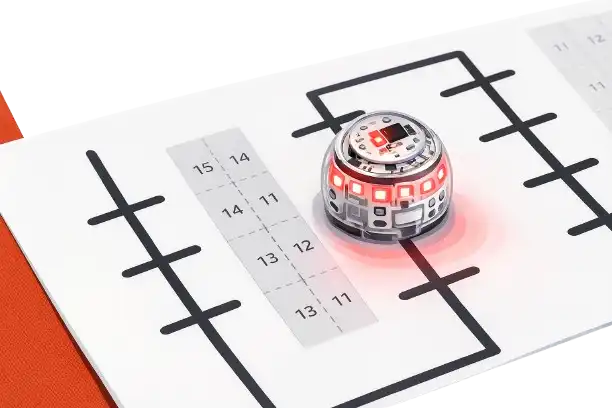
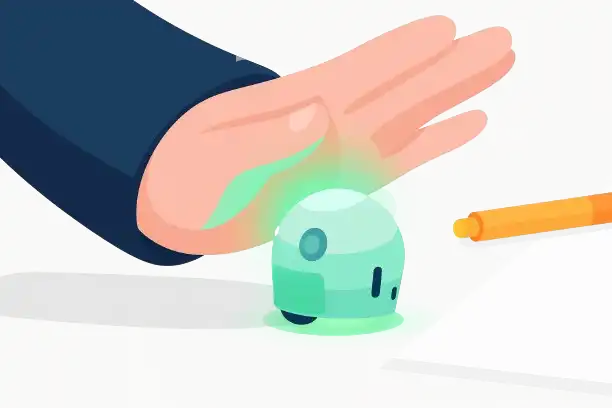
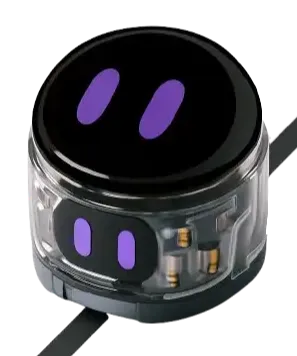
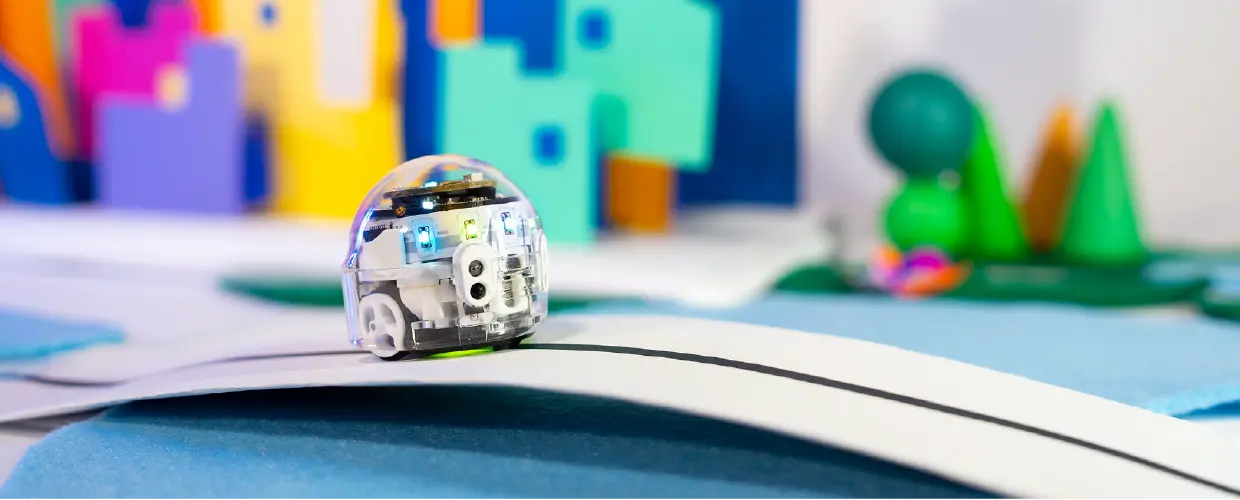
Ozobots use sensors to follow lines and read Color Codes you make with markers (or stickers!). Choose from Speed, Direction, Cool Moves codes, and more.

Color Code Magnets

Teach coding using color codes in an all-new way! Color Code Magnets are ready-to-go kits that make programming Evo easier than ever. Start with the Base Kit then add on Special Moves and Speed Kits from there!

Looking to upgrade or setup a new Lab?

Reach out to us for a customized proposal that aligns with your goals. Together, we can secure a brighter future for your students.

Call Us

Ozobot Blockly

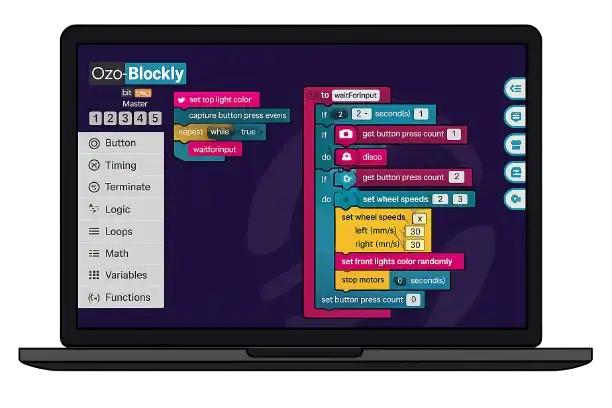
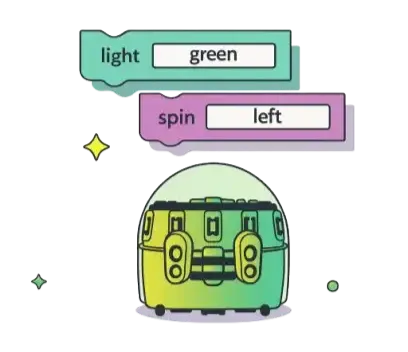
Ozobot Blockly enables users to program Ozobot robots through an intuitive visual platform that scales from beginner-friendly blocks to advanced text-based coding, making robotics accessible for all skill levels.

Key features:

  • Progressive Learning Pathway
  • Visual Interface
  • Real-World Robot Control

How it Works

1. Create Your Program

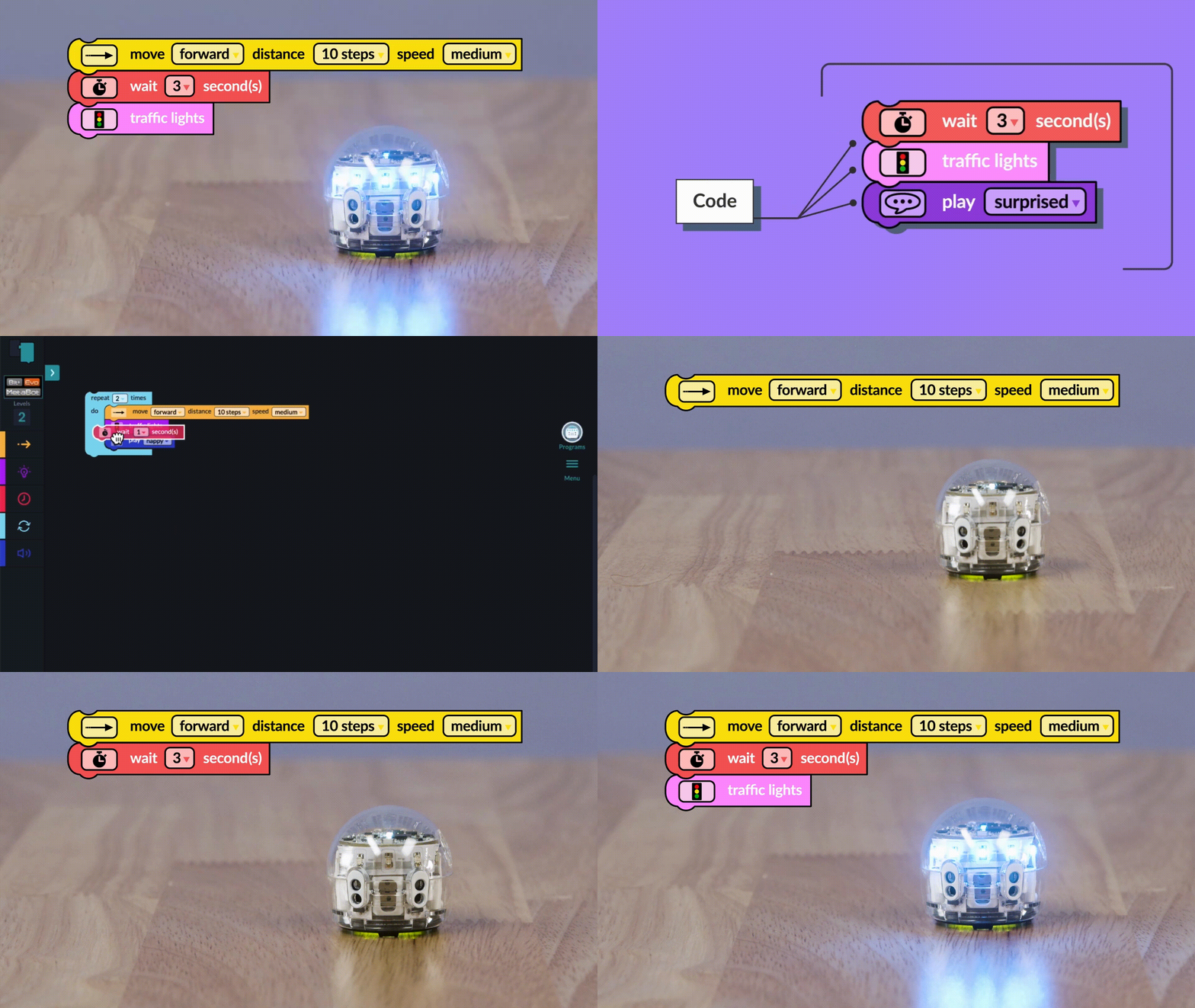
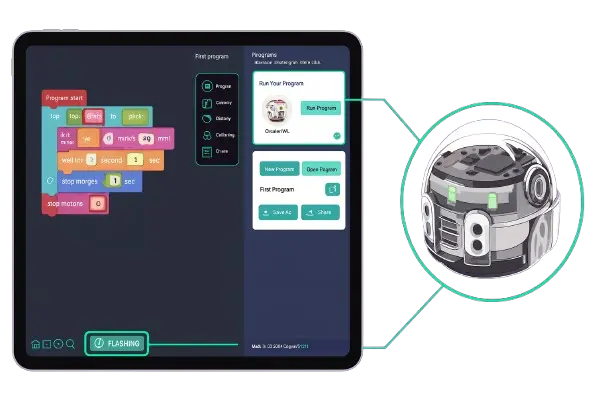
First, drag and drop blocks from any of the five Blockly levels to build a program for your bot.

2. Connect Your Bot

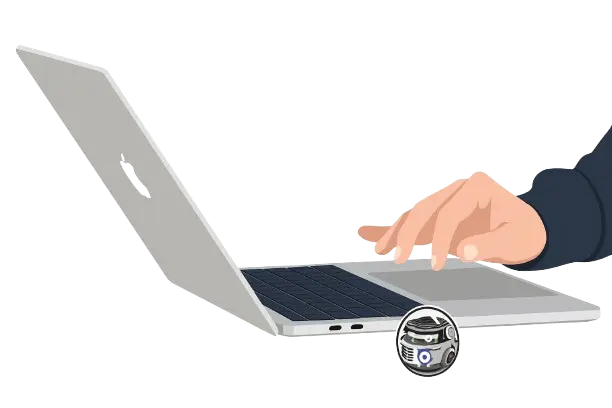
Next, pair your robot to the laptop or tablet on which you'll be running Blockly via BLE.

3. Load Your Program

Now for the fun part! Select "Run Program" or "Flash Loading" to load the program on your paired robot.

Ozobot Editor

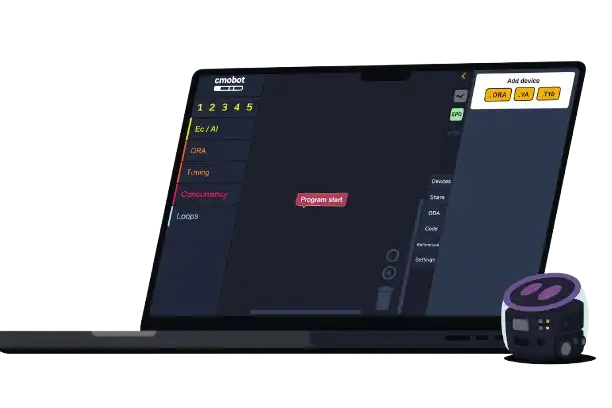
Introducing Ozobot Editor: our advanced Blockly-based programming platform that unlocks enhanced capabilities for Ozobot Ari, ORA, and Evo robots with powerful new blocks and seamless support across our entire robotics ecosystem.

Key features:

  • Cross-Robot Compatibility
  • Enhanced Programming Capabilities
  • Seamless Ecosystem Integration

How it Works

1. Connect Your Bot

First, add bot that you want to connect;Evo/Ari/ORA. Follow instructions in Editor to connect your bot

2. Create Your Program

Drag and drop blocks from any of the five Editor levels to build a program for your bot.

3. Run Your Program

Now for the fun part! Select "RUN" to send your program to your paired robot.

Looking to upgrade or setup a new Lab?

Reach out to us for a customized proposal that aligns with your goals. Together, we can secure a brighter future for your students.

Call Us

Curriculum

"Curriculum Reimagined: Coding + STEAM Across Every Grade"
1-5 | Science

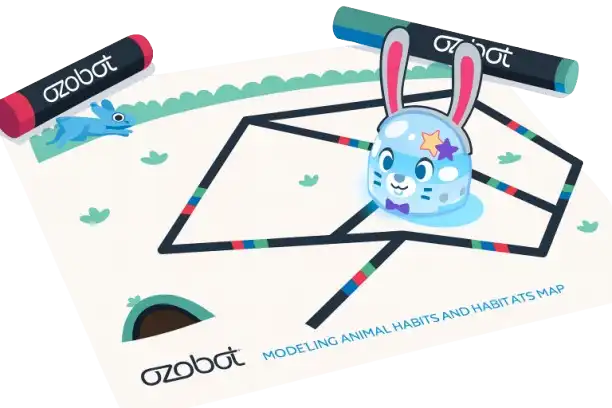
Modeling Animal Habits and Habitats

7-12 | Computer Science

Robotic Warehouse Simulation

K-2 | Math

Non-Std. Measurement with OzoLoops

4-8 | ELA

Random Story Generator

Looking to upgrade or setup a new Lab?

Reach out to us for a customized proposal that aligns with your goals. Together, we can secure a brighter future for your students.

Call Us

Ozobot Crawler

"Crawler is designed to spark creativity, sharpen critical thinking, and build problem-solving skills-bringing a fresh twist to programming Evo that engages students and fuels classroom innovation."

Evo on the Move!

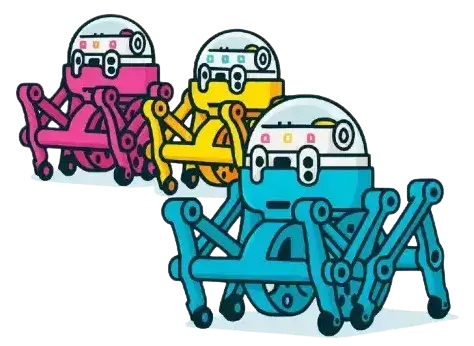
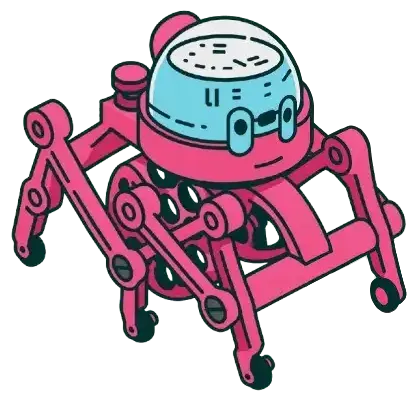
"Ozobot Crawler introduces a new dimension to programming Evo, encouraging students to think beyond traditional bot movement. Delivered as a ready-to-assemble kit, Crawler transforms into a fascinating bug-like device that sparks curiosity, fosters creativity, and provides a unique platform for exploration in the classroom."

Sold in 6-pack bundles, each bag contains a surprise Crawler color!
Program Evo using Ozobot Blockly or the Evo App!
Comes ready to assemble!

"Two Smart Ways to Command Your Crawler"

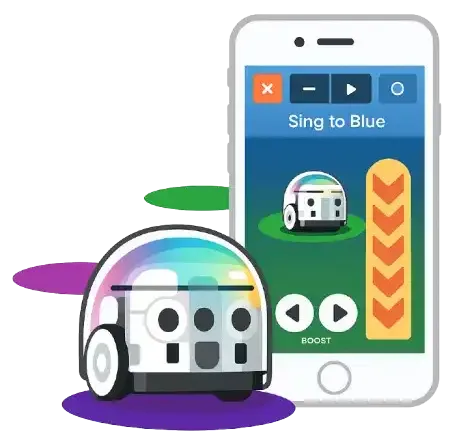
Evo App

Visit either the iTunes or Google Play store and download the Evo App by Ozobot. In the Evo App, navigate to 'Explore' in the bottom menu, then select 'Crawler Control' at the top.

Ozobot Blockly

Launch Ozobot Blockly via ozoblockly.com and build a program. Please note, some functions in levels 2-5 may not operate normally when in Crawler mode.

Looking to upgrade or setup a new Lab?

Reach out to us for a customized proposal that aligns with your goals. Together, we can secure a brighter future for your students.

Call Us

- Feature Products -

Ari

A beginner-friendly robot that introduces young learners to coding through play..

Read More

Ora

An interactive robot designed to make STEM and coding engaging and creative..

Read More

Evo App

A smart app that powers Evo with coding, creativity, and interactive learning..

Read More

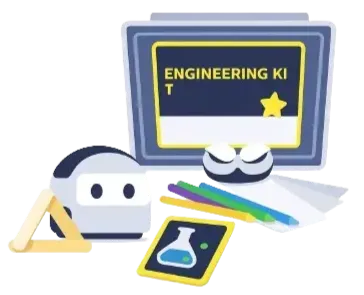
Engineering Kit

Hands-on kit that builds engineering, design, and problem-solving skills..

Read More

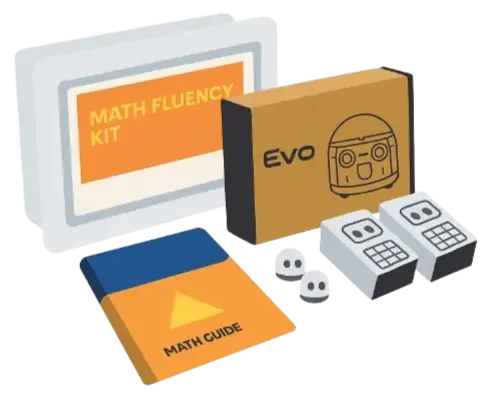
Math Fluency

A playful learning tool that enhances math skills through robotics and games..

Read More

Looking to upgrade or setup a new Lab?

Reach out to us for a customized proposal that aligns with your goals. Together, we can secure a brighter future for your students.

Call Us