Any Educator can teach Coding with VEX and PD+
- Start with a Classroom Bundle
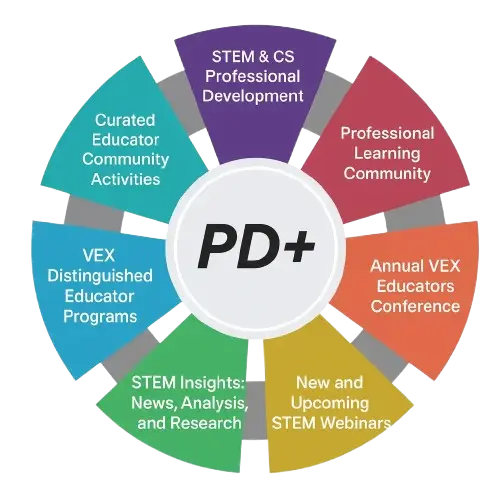
- Educators get the support they need
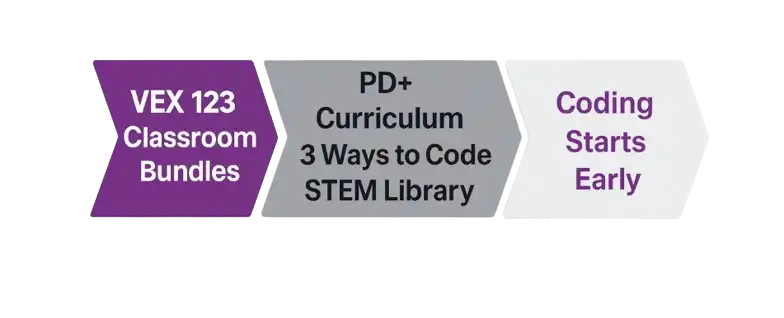
- Students start coding early
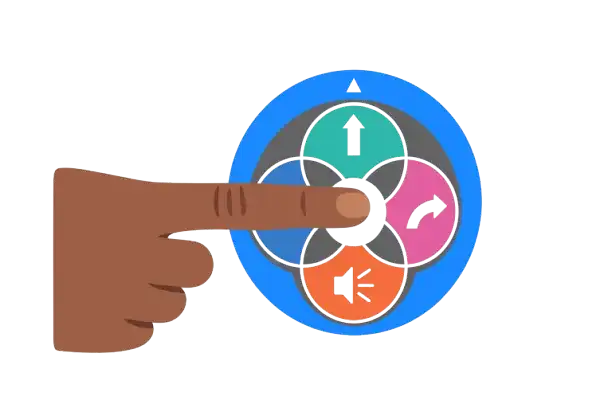
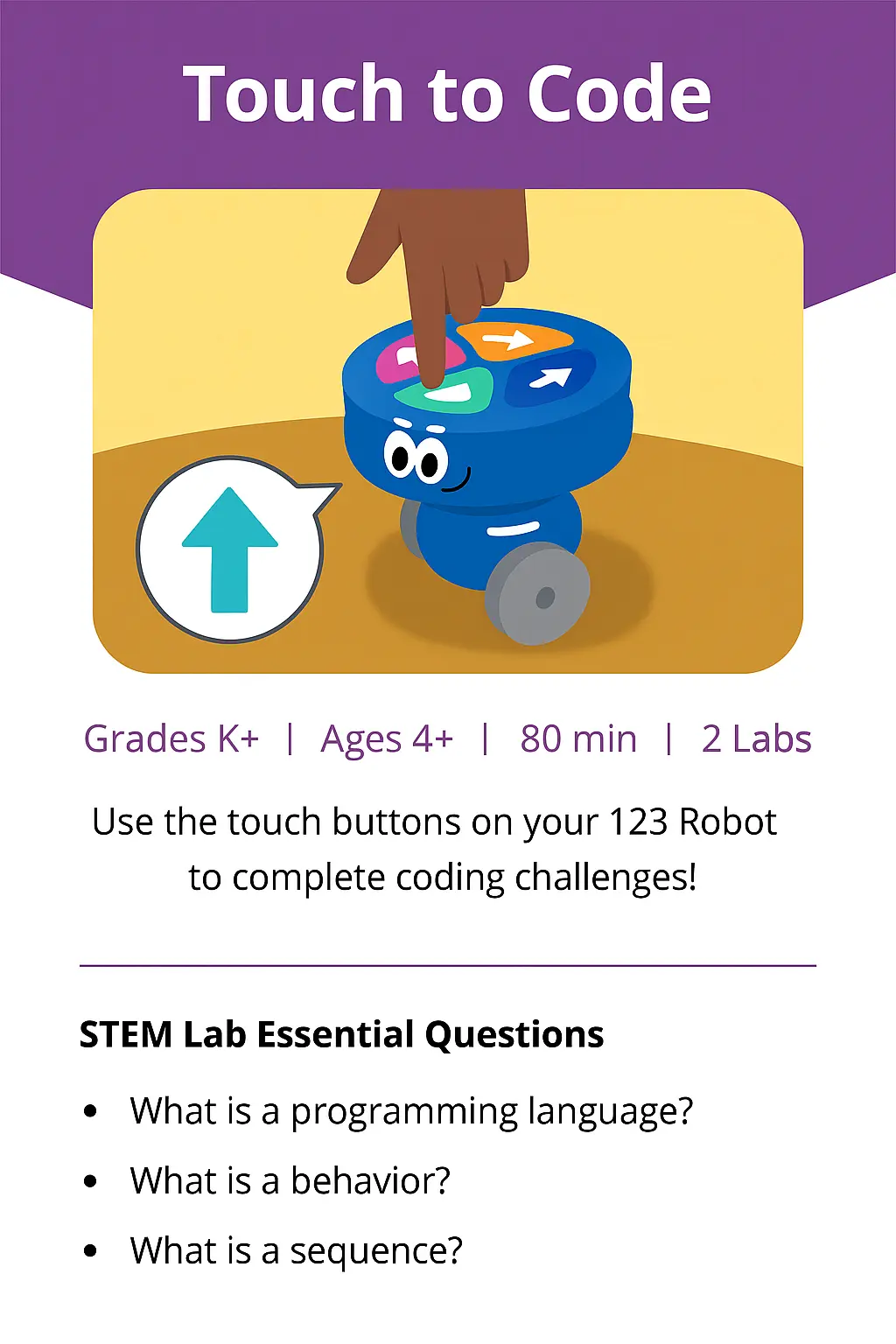
Learners can code the 123 robot using touch to control movements and sounds. They learn sequences, logic and problem solving.
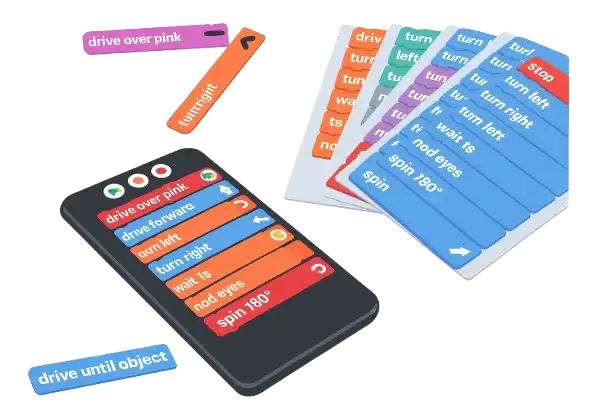
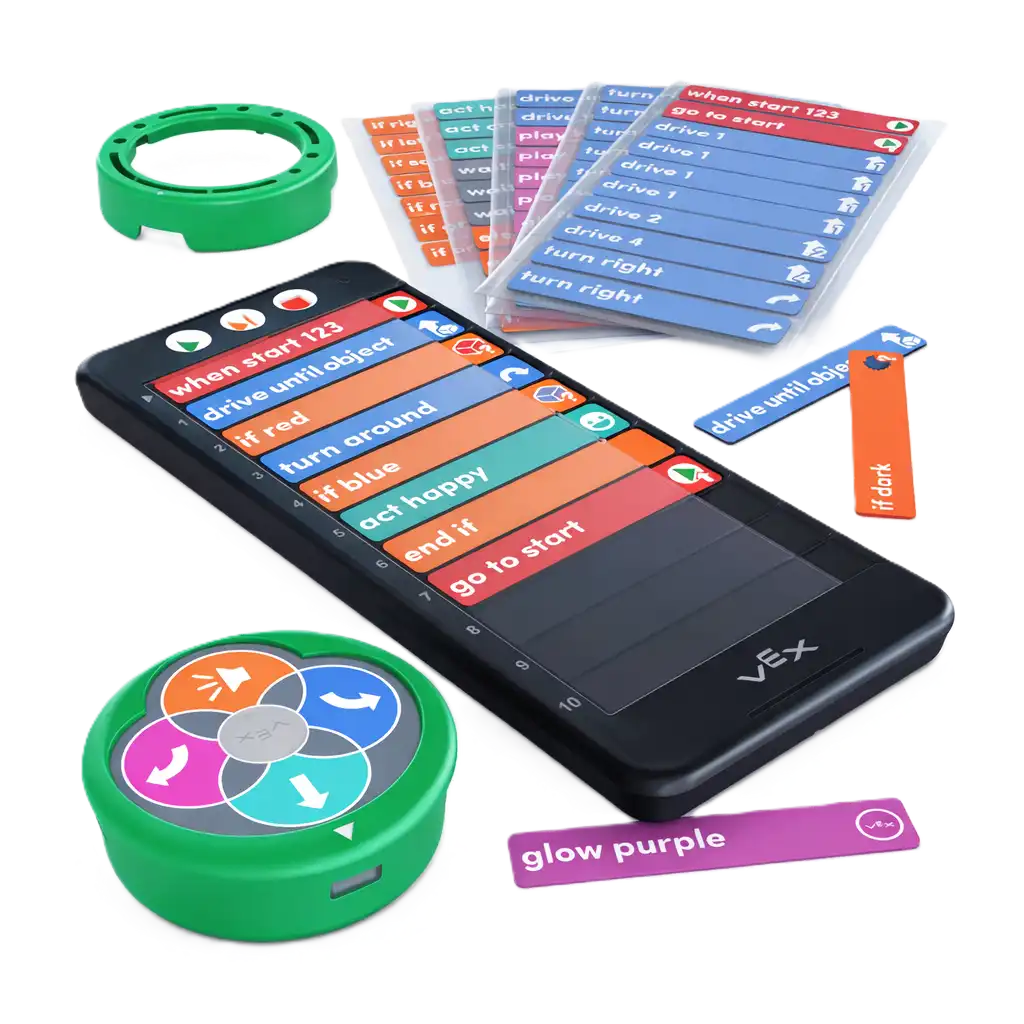
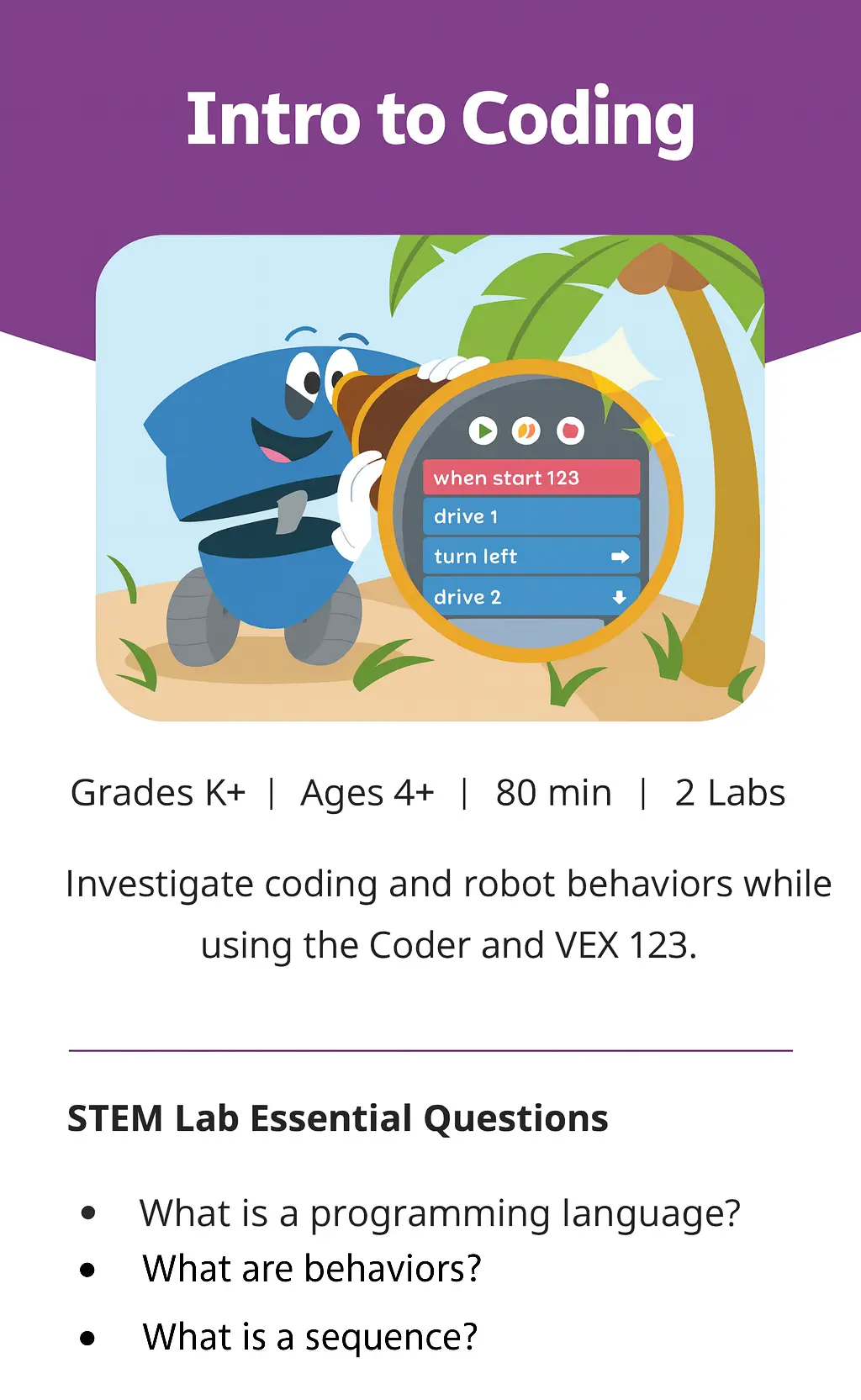
Learners progress to using coding Cards and the VEX Coder to control the 123 robot. They learn real programming away from tablets and computers.
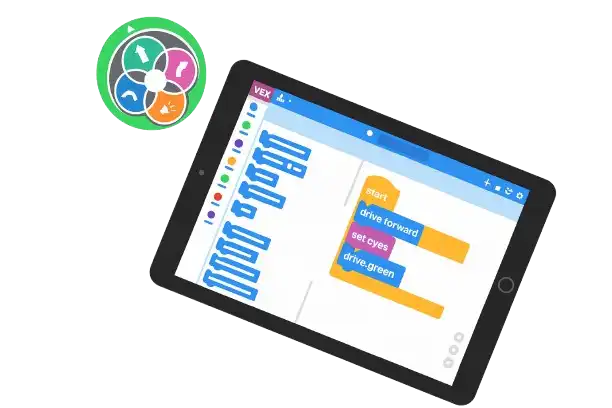
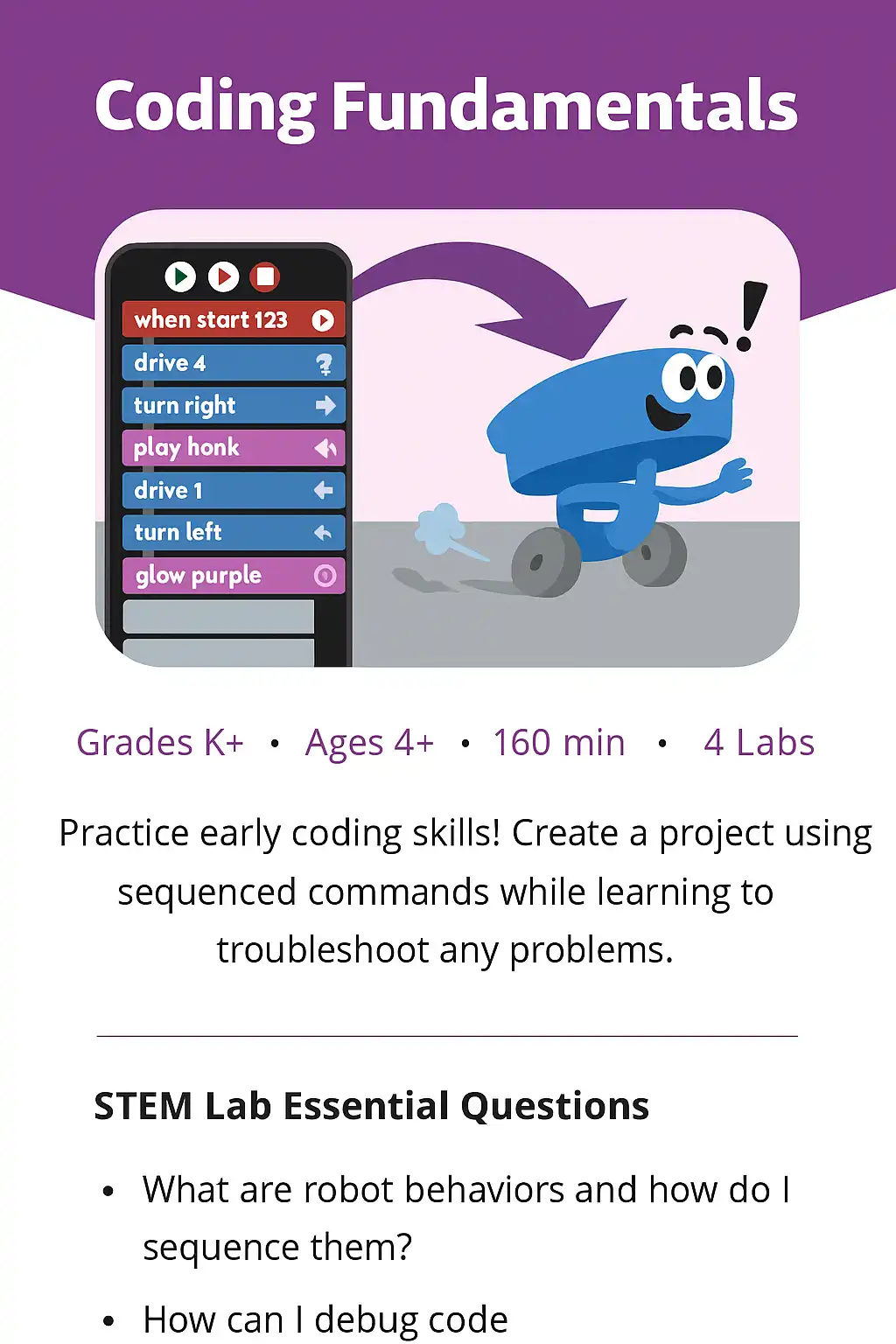
Learners use VEXcode with drag & drop blocks to code the 123 robot. Available for tablets, Chromebooks, Mac and Windows. Powered by Scratch 3.
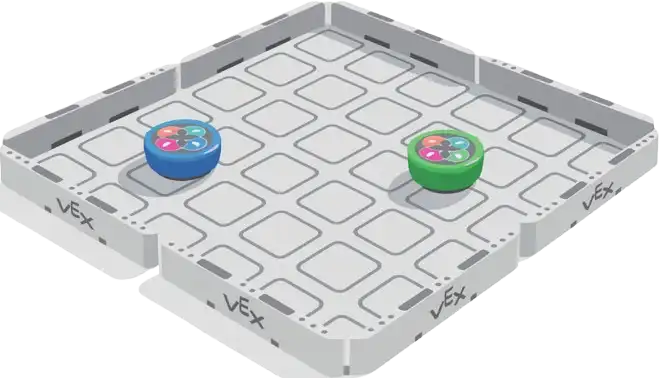
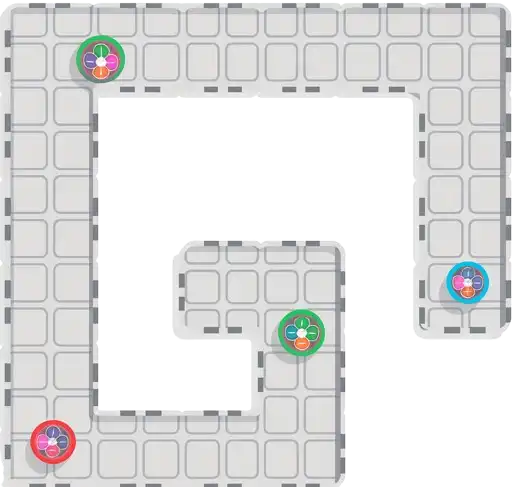
From floor to table, set up the 123 field in any area for maximum engagement and controlled play spaces.
One 123 Robot, Coder and Cards
For 12, 24 or 36 students. 123 Robots, Coders and cards. Plus cases, fields, charging and more...
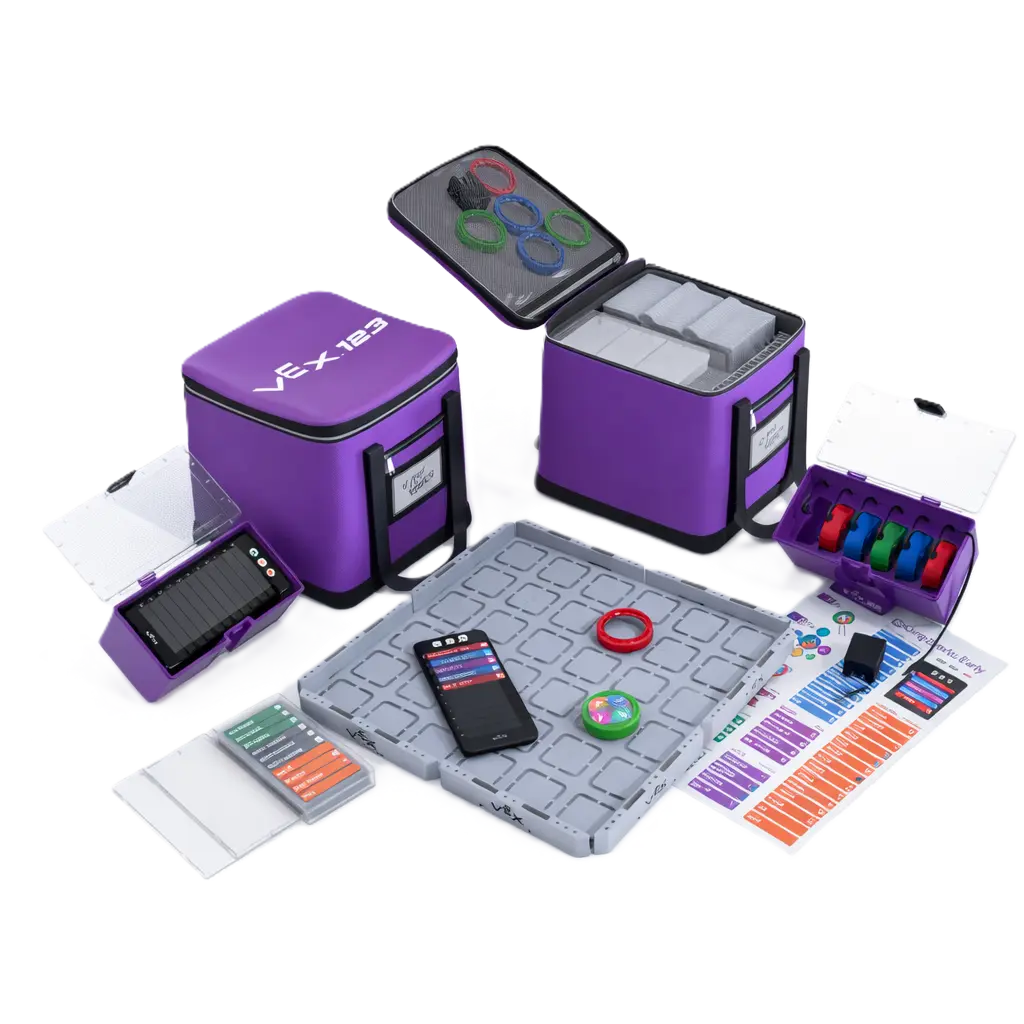
Included
B-33, Sector-5, Noida, Gautambuddha Nagar, Uttar Pradesh - 201301
Copyright 2026, The Brainhack Company. All Rights Reserved. Design by Digital Ninza Pvt. Ltd.