


OZOBOT

Ozobot is redefining the role of robotics in education with our award-winning coding robots and STEAM-based learning solutions.

25+ Ed Tech Awards
All Grades & Subjects
Coding With & Without Screens
Standards-Aligned Curriculum

Hands-On Learning

Ozobot STEAM Kits provide hands-on learning experiences that are fun, educational, and standards-aligned for students K-5. Explore our collection and discover the joy of STEAM today!

Two Ways to Code

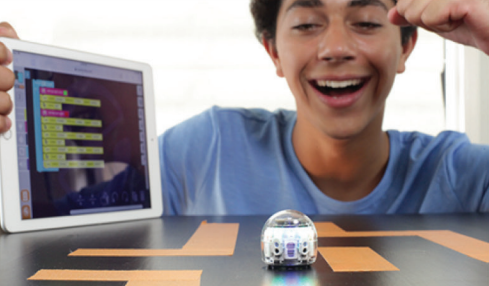
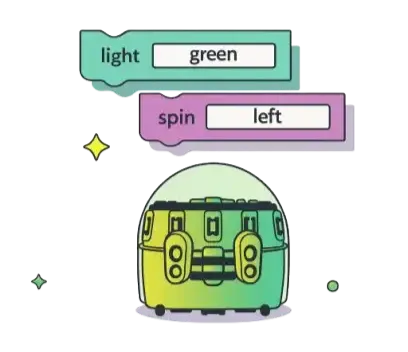
Start coding your Ozobot screen-free using Color Codes. Then advance to block-based programming with Ozobot Blockly. For ages 5++


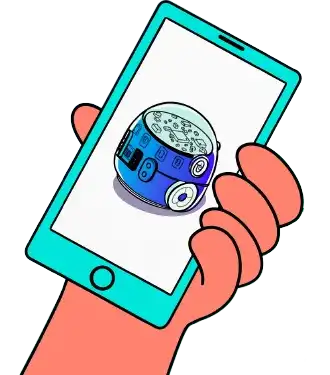
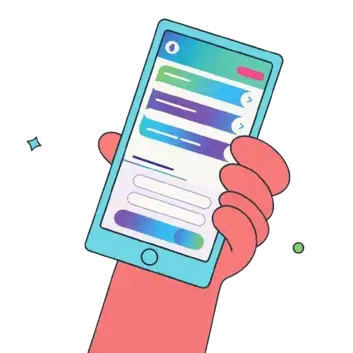
With and Without Screens

On-screen with Ozobat Blockly or screen-free with color codes.

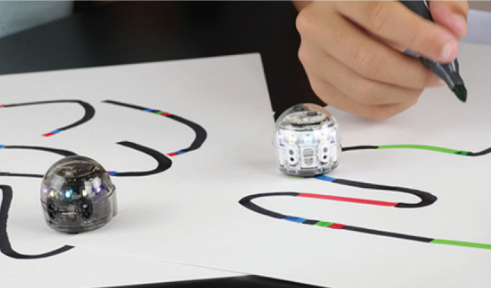
Color Codes

Screen-free coding with markers and sensors

Ozobot Blockly

Visual programming platform

How it Works: Patented Tech

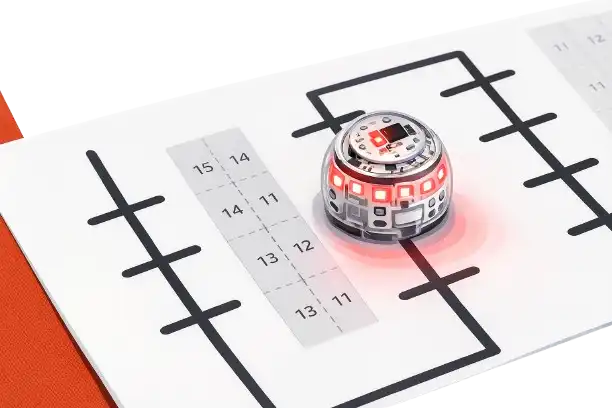
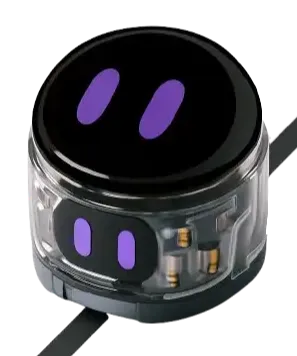
Ozobots use sensors to follow lines and read Color Codes you make with markers (or stickers!). Choose from Speed, Direction, Cool Moves codes, and more.

Color Code Magnets

Teach coding using color codes in an all-new way! Color Code Magnets are ready-to-go kits that make programming Evo easier than ever. Start with the Base Kit then add on Special Moves and Speed Kits from there!

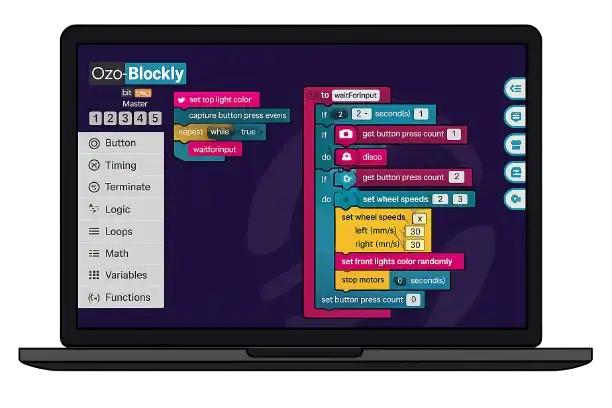
Ozobot Blockly

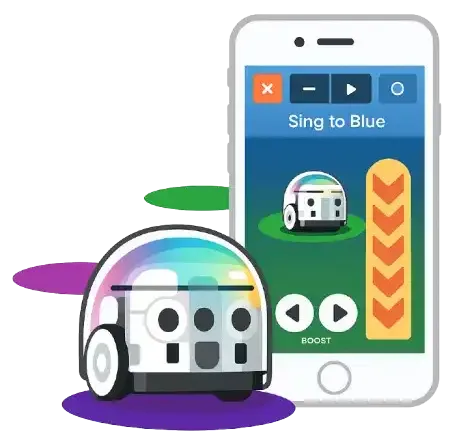
Ozobot Blockly enables users to program Ozobot robots through an intuitive visual platform that scales from beginner-friendly blocks to advanced text-based coding, making robotics accessible for all skill levels.

Key features:

  • Progressive Learning Pathway
  • Visual Interface
  • Real-World Robot Control

How it Works

1. Create Your Program

First, drag and drop blocks from any of the five Blockly levels to build a program for your bot.

2. Connect Your Bot

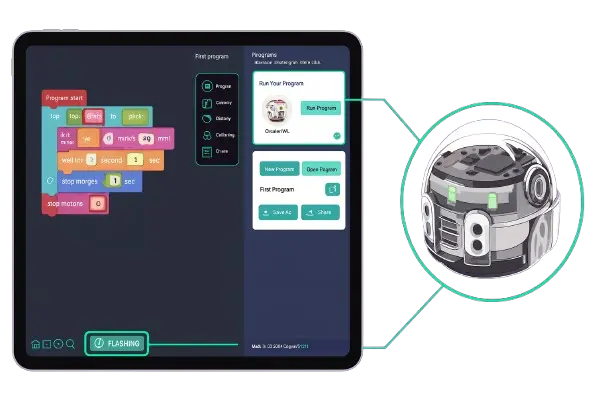
Next, pair your robot to the laptop or tablet on which you'll be running Blockly via BLE.

3. Load Your Program

Now for the fun part! Select "Run Program" or "Flash Loading" to load the program on your paired robot.

Ozobot Editor

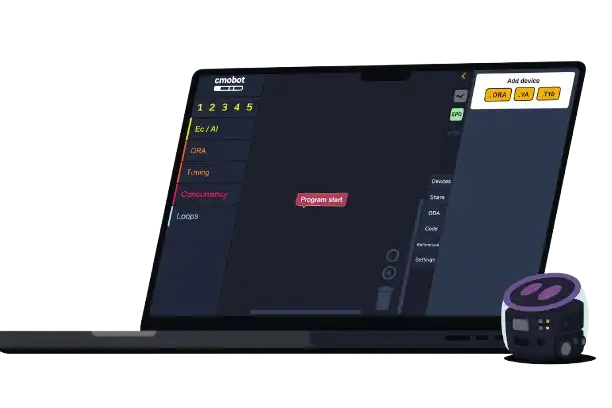
Introducing Ozobot Editor: our advanced Blockly-based programming platform that unlocks enhanced capabilities for Ozobot Ari, ORA, and Evo robots with powerful new blocks and seamless support across our entire robotics ecosystem.

Key features:

  • Cross-Robot Compatibility
  • Enhanced Programming Capabilities
  • Seamless Ecosystem Integration

How it Works

1. Connect Your Bot

First, add bot that you want to connect;Evo/Ari/ORA. Follow instructions in Editor to connect your bot

2. Create Your Program

Drag and drop blocks from any of the five Editor levels to build a program for your bot.

3. Run Your Program

Now for the fun part! Select "RUN" to send your program to your paired robot.

Curriculum

"Curriculum Reimagined: Coding + STEAM Across Every Grade"
1-5 | Science

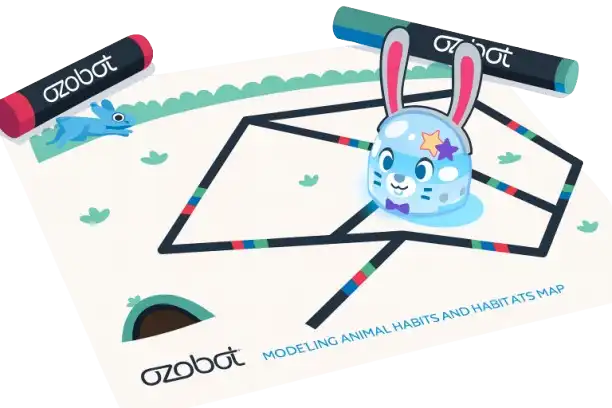
Modeling Animal Habits and Habitats

7-12 | Computer Science

Robotic Warehouse Simulation

K-2 | Math

Non-Std. Measurement with OzoLoops

4-8 | ELA

Random Story Generator

Ozobot Crawler

"Crawler is designed to spark creativity, sharpen critical thinking, and build problem-solving skills-bringing a fresh twist to programming Evo that engages students and fuels classroom innovation."

Evo on the Move!

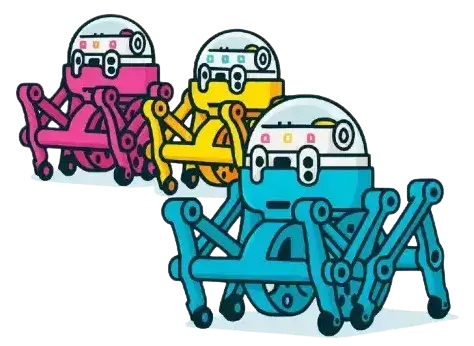
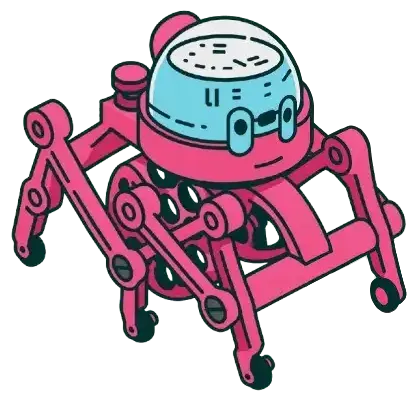
"Ozobot Crawler introduces a new dimension to programming Evo, encouraging students to think beyond traditional bot movement. Delivered as a ready-to-assemble kit, Crawler transforms into a fascinating bug-like device that sparks curiosity, fosters creativity, and provides a unique platform for exploration in the classroom."

Sold in 6-pack bundles, each bag contains a surprise Crawler color!
Program Evo using Ozobot Blockly or the Evo App!
Comes ready to assemble!

"Two Smart Ways to Command Your Crawler"

Evo App

Visit either the iTunes or Google Play store and download the Evo App by Ozobot. In the Evo App, navigate to 'Explore' in the bottom menu, then select 'Crawler Control' at the top.

Ozobot Blockly

Launch Ozobot Blockly via ozoblockly.com and build a program. Please note, some functions in levels 2-5 may not operate normally when in Crawler mode.

- Feature Products -

Ari

A beginner-friendly robot that introduces young learners to coding through play.

Ora

An interactive robot designed to make STEM and coding engaging and creative.

Evo App

A smart app that powers Evo with coding, creativity, and interactive learning.

Evo App

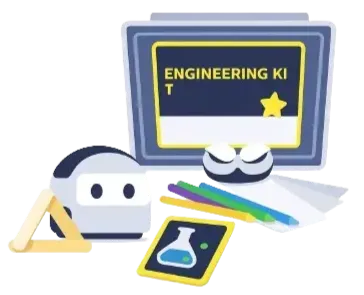
Hands-on kit that builds engineering, design, and problem-solving skills.

Math Fluency

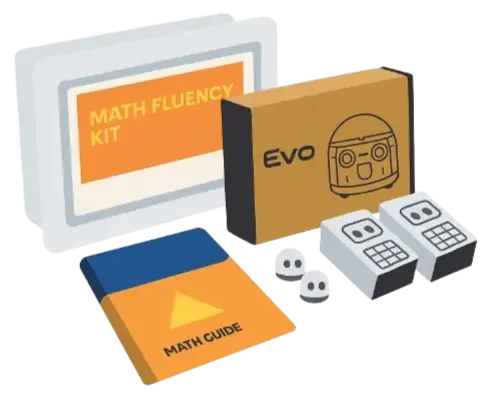
A playful learning tool that enhances math skills through robotics and games

Koddy - Digital Curriculum in Coding & AI

Why Need Books when KoddyBlock is there?

Aligned with Australian and international digital curricula for Kindergarten to Year 12 students.
Over 50 courses covering basics to advanced coding, Al, robotics and app develoment.
Gamified learning with concept videos, activity videos, online exercises, and quizzes to keep students engaged.
Adaptive, drag-and-drop block coding interface ideal for beginners and young learners.
Real-time progress monitoring dashboards for teachers, parents, and students.

TECHNOLOGY INTEGRATED CURRICULUM TRACKS

SCOPE AND SEQUENCE (KINDERGARTEN - YEAR 12)

Stage 1

Kindergarten - Year 2
  • Computer Science Principles- Foundational
  • Online STEM Activities-Foundational
  • ICT Skills- Foundational
  • Code Foundation and Game Development
  • STEM Robotics
  • Advance Game Development & Animation
  • Visual Programming

Stage 3

Year 3 - Year 5
  • Computer Science Principles- Preparatory
  • Online STEM Activities- Preparatory
  • ICT skills - Preparatory
  • STEM & Al Robotics
  • Code Foundation Arcade Game Development
  • Mobile App Development
  • Fundamentals of Python Programming
  • Game Development with Python

Stage 3

Year 6 - Year 8
  • Computer Science Principles- Middle
  • Online STEM Activities-Middle
  • ICT Skills - Middle
  • STEM Robotics & Microbits
  • Web Page Designing (HTML/CSS/JavaScript)
  • Fundamental of Cyber Security

Stage 4

Year 9 - Year 12
  • ICT Skills - Secondary
  • Computer Science with JAVA - J2SE
  • Android App Development
  • iOS App Development
  • Game Development with Unity3D and C#
  • Al and Machine Learning
  • Computer Science with C#.Net
50+ Courses (Basic to Advanced)
150+ Concept Activities
15,00+ Lessons
9000+ Quizzes
01
💡

Features

  • Dashboards + Full Access to the program
  • Student Access New Pedagogical and Curricular Structure
  • Lesson Plans with Learning Videos
  • Student outcome reports
  • STEM activities Quizzes
  • CS Concepts with online Activities
  • Game Development Projects
  • STEM Robotics Curriculum
02
🧑‍💻

High-Level Programming Languages

  • Mobile App Development JAVA - J2SE
  • Web Design with HTML, CSS and
  • JavaScript Python Programming
  • Game Development with Unity 3D
  • AI & Machine Learning C#.Net
  • Programming Cyber Security ICT Skills
  • Auto Upgrade with new Courses
03
🧰

Training

  • Learning Management System
  • Professional Development
04
🎗️

Support

  • Online Teacher Support
  • System Support